Importing Statutory Assessments
 Updated
Often, you might have statutory assessments stored elsewhere and want to import them into Insight without importing any other pupil contextual data, or adding/removing pupils at the same time. For example, you might have some historical data for existing pupils. You want to import the assessments but not make any changes to other data as it may be out of date in that file.
This applies to the EYFSP and Phonics assessments, mainly, as Insight has specific tools to import MTC and KS2 statutory data.
This is also the approach to use if you have a file for pupils which contains a range of statutory data, and you don't want to add/remove pupils. If you do want to allow pupils to be added or removed you should use the standard import CTF option detailed in this help guide.
You will need the data in CTF format.
Choose Statutory Assessments from the Enter Data menu.
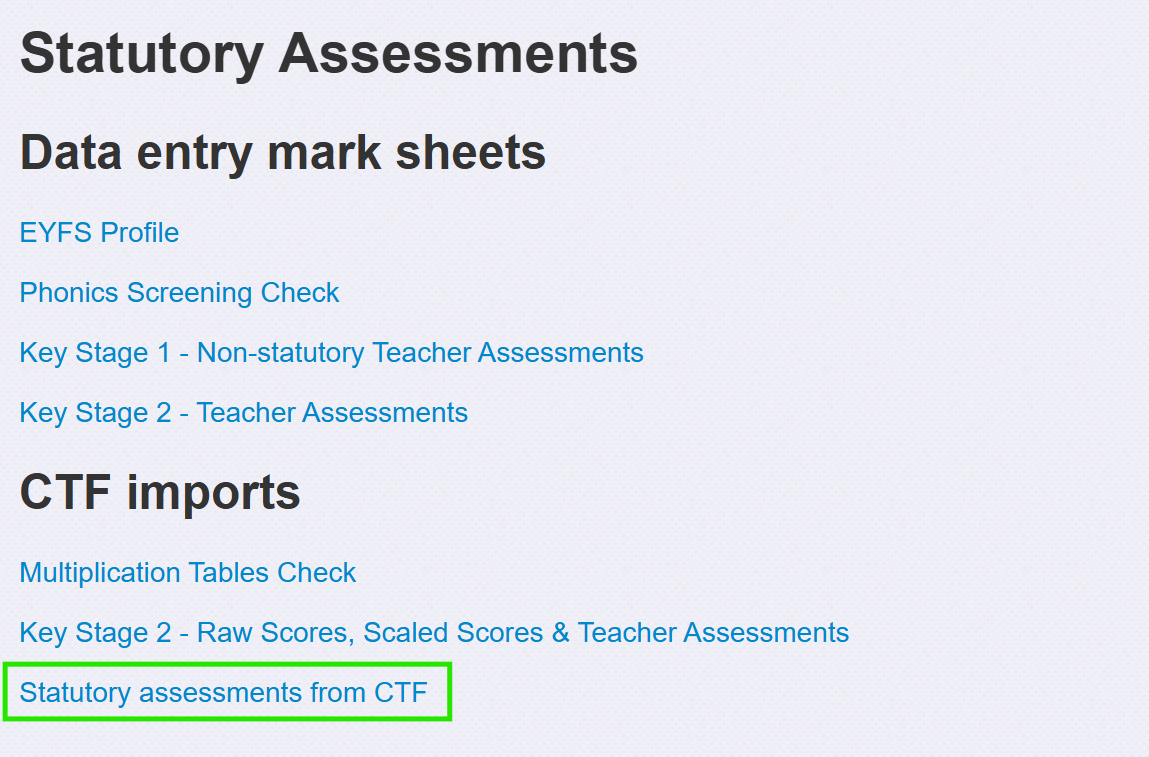
Then choose the Statutory Assessments from CTF option.
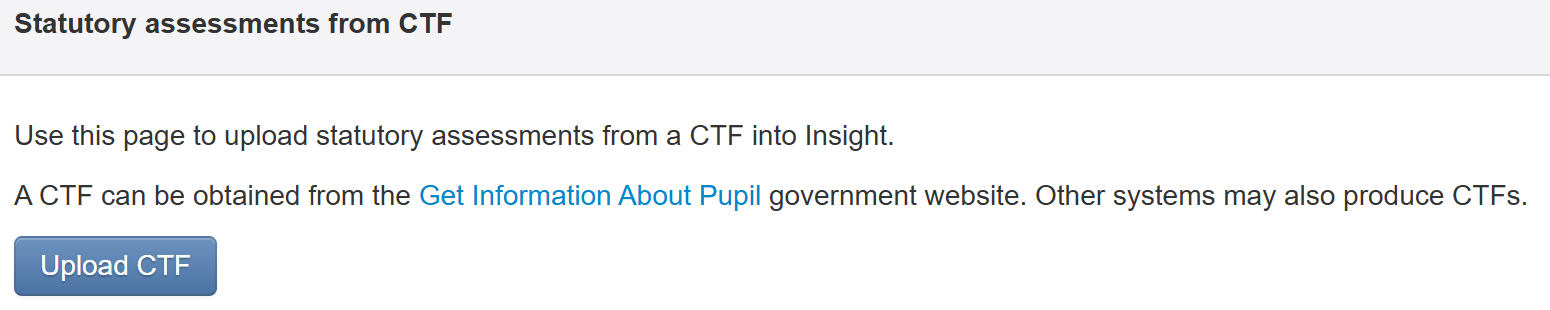
Finally, click the Upload CTF button to choose your file and upload it.
Any statutory assessments in the file, for existing pupils, will then be imported.
