Downloading missing statutory assessments from DfE GIAP (Get Information About Pupils)
 Updated
If you have missing historical statutory data for any pupils in your school, you can use the DfE GIAP (Get Information About Pupils) service to search and download a CTF. This CTF may then be imported into Insight.
GIAP includes its own help guidance, accessible after you log in, but this guide summarises the required steps.
Logging in to GIAP
GIAP allows schools to securely access official pupil data held by the DfE.
Before you begin, ensure you have:
- Access to the DfE Sign-in service
- Permissions to use GIAP within your organisation
- The UPNs of any pupils you need to search for
Go to the DfE Sign-in page: https://services.signin.education.gov.uk/
Log in using your DfE Sign-in credentials
From your Services dashboard, select Get Information About Pupils (GIAP)
Using GIAP to search for pupils
Once you are in GIAP, you will see the home page with listed options.
- You need to select Search national pupil database (NPD) with UPNs
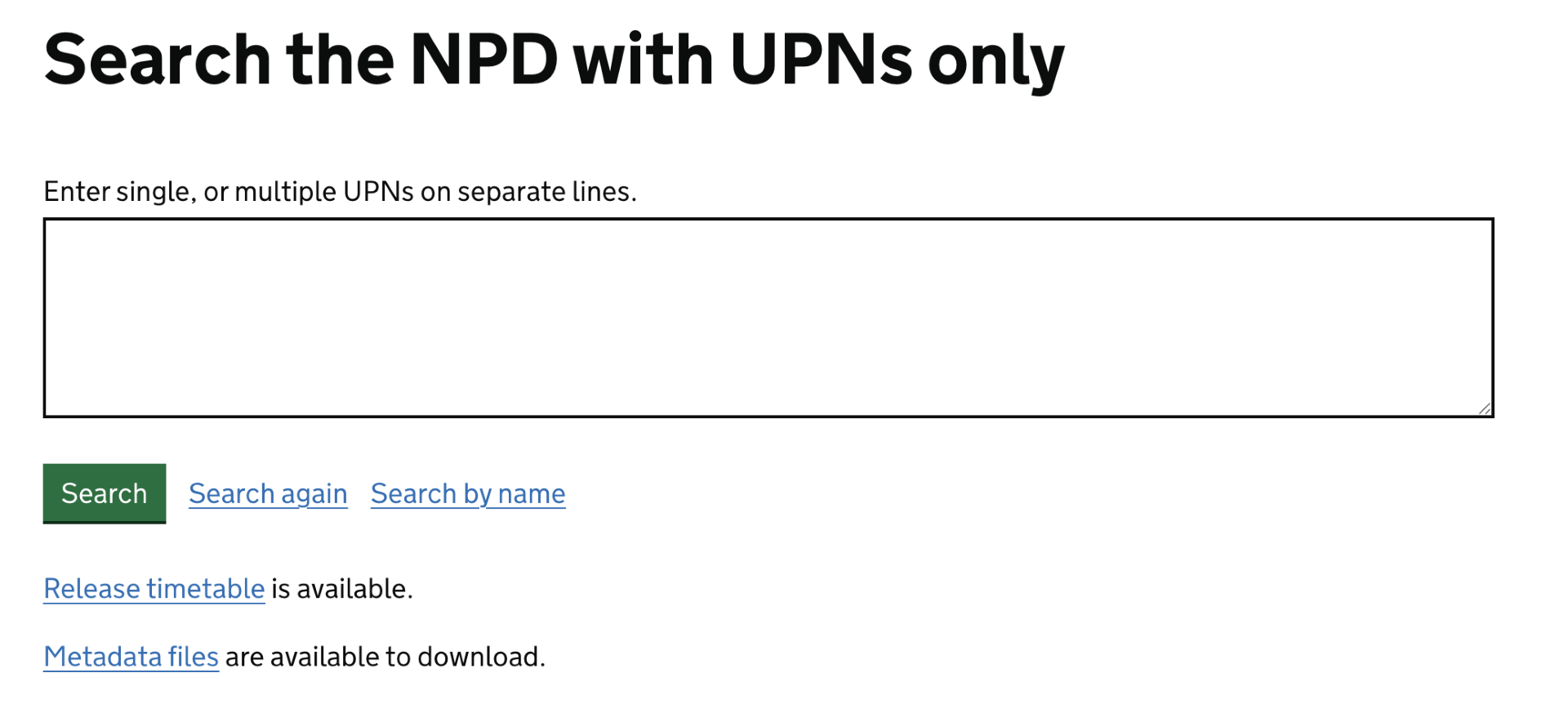
- Enter one or more UPNs (one per line) - UPNs can be pasted as a list
- Click Search
- Download the provided file
- Import the CTF into Insight following the importing a CTF help guide.
After importing, you should check that the pupil's missing data is now in place in Insight. The quickest way to do this is to click Pupils and select one of the pupils you've imported data for. Then look at the Profile tab. The missing statutory assessments should now be visible.
