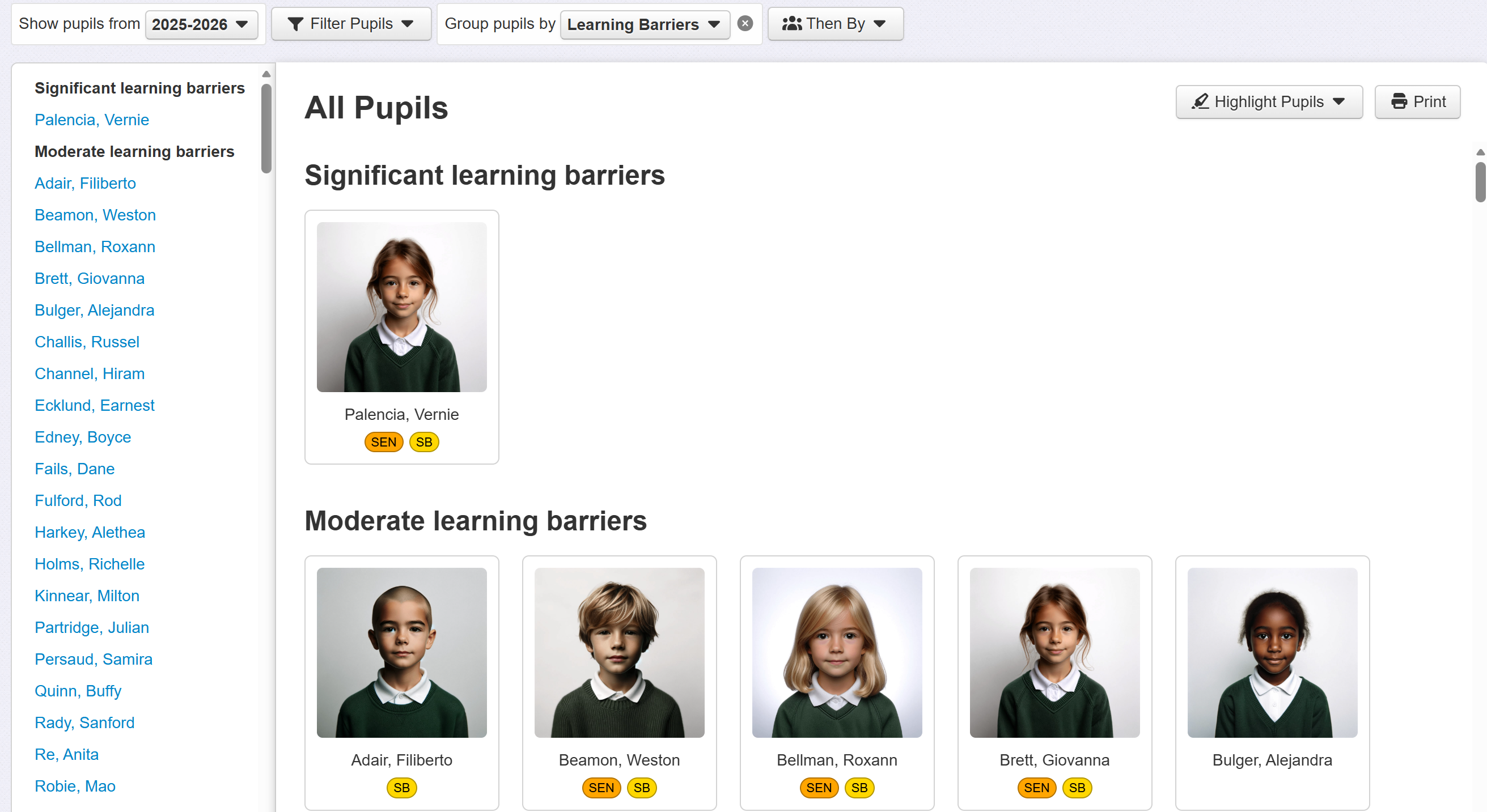
Filters & Groups: Learning Barriers
 Updated
Learning Barriers are described in detail in the Adding and managing help guide.
From any page that supports filters, click Filter Pupils and select Learning Barriers from the Pupil Premium, FSM etc sub-menu.
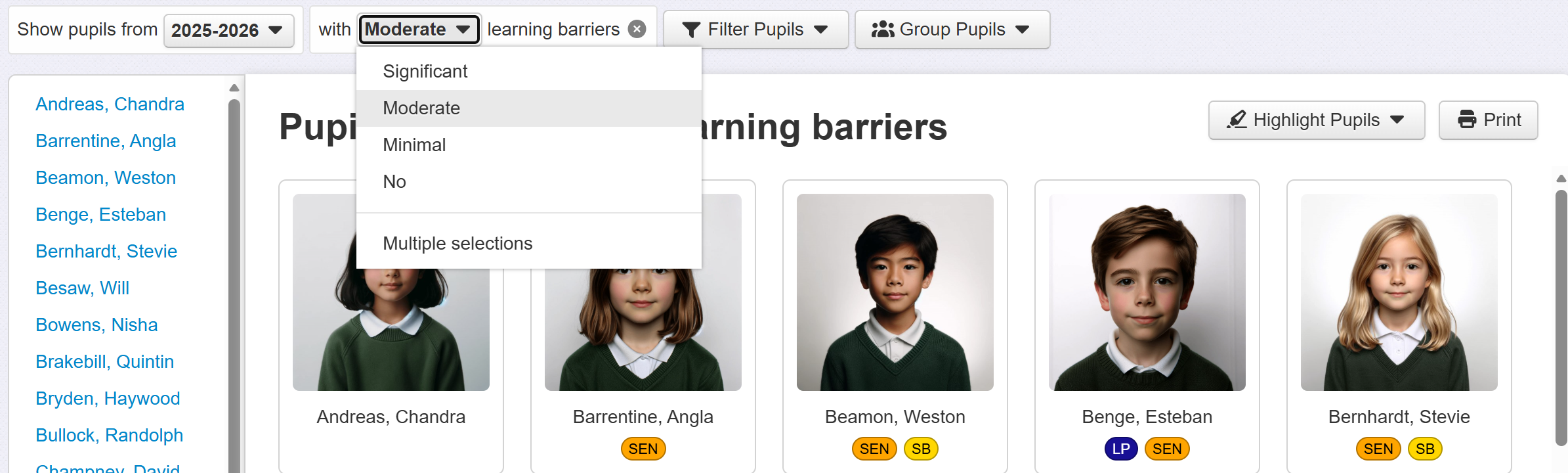
Pupils with minimal barriers to learning will be filtered by default. Click the menu to change this as required.
To Group by learning barriers, click the Group Pupils button and select Learning Barriers from the Pupil Premium, FSM etc sub-menu.