Filters & Groups: Learning Plan
 Updated
If you want a quick way to identify all pupils with an active learning plan this filter is ideal.
Choose Learning Plan from the Filter Pupils menu.
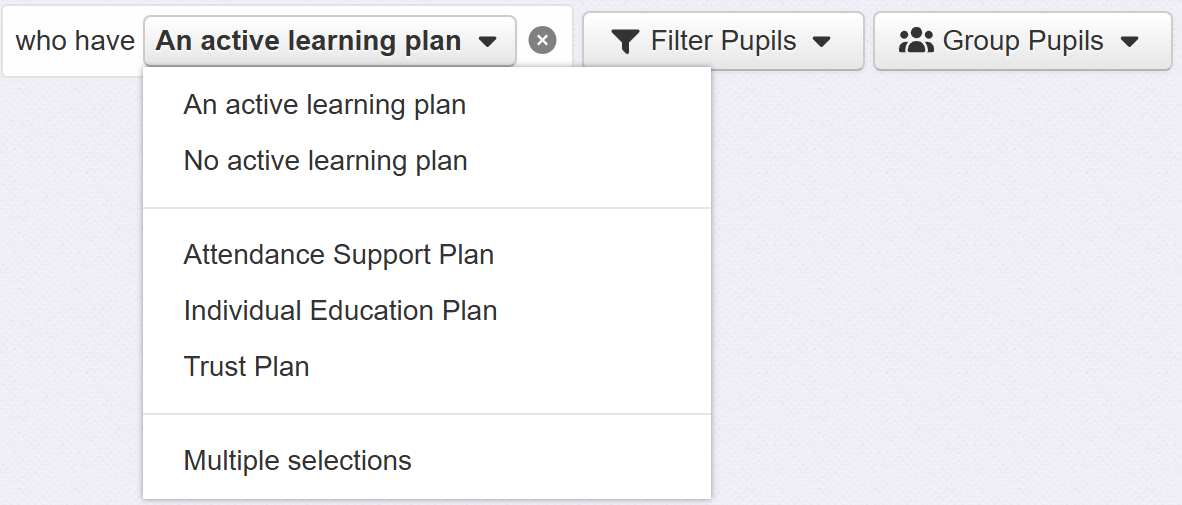
Initially, only pupils with any active learning plan will be filtered. You can also choose to filter those pupils with no active learning plan.
If you have multiple learning plan templates it can be useful to specify which ones you want to filter. Click the template name you want to filter or choose Multiple Selections to pick a selection.
