Filters & Groups: First Language
 Updated
Reporting on Pupils by First Language
Once this information is in Insight, you can use the filters and groups to analyse your data by ethnicity.
To look at pupils with a specified first language, click Filter Pupils, then choose First Language:
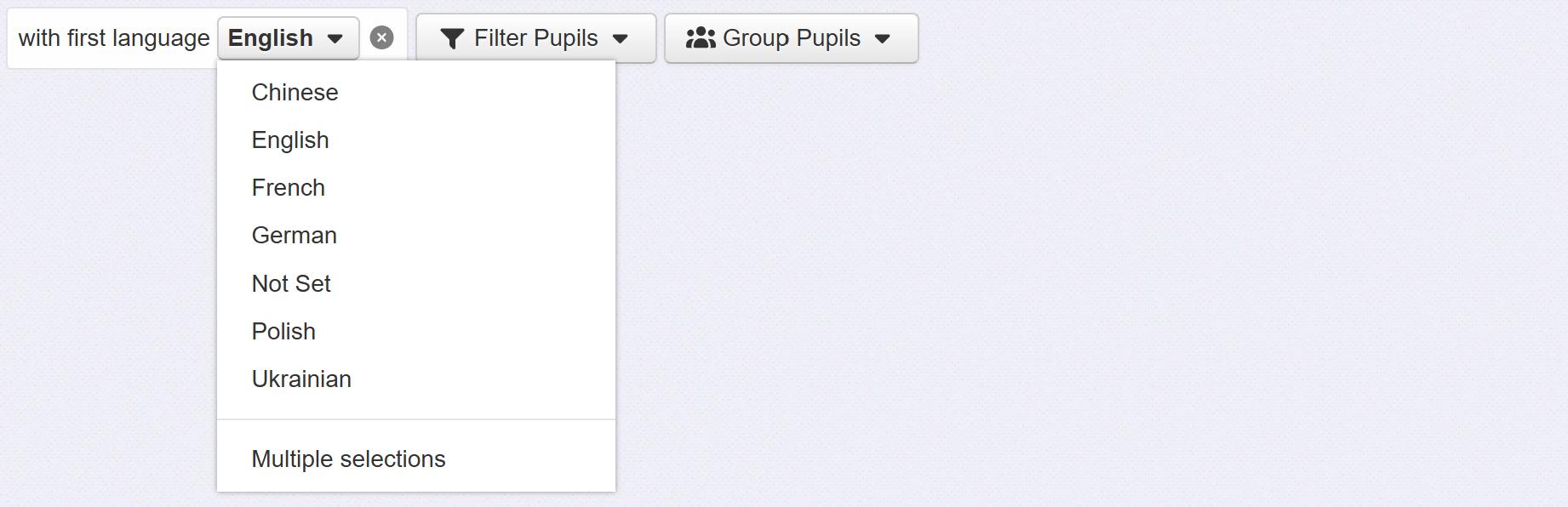
Click the new filter to choose the first language you want to report on. Insight will only list the first languages of pupils in your school.
To remove the filter when you're finished, click the remove icon next to it.
To compare pupils by their first language, click Group Pupils, then choose First Language:
If you choose All First Languages, Insight will group all pupils into their respective groups. If you choose a specific first language, Insight will create one group containing pupils with that first language and one group containing everyone else.
To remove the grouping when you're finished, click the remove icon next to it.
