Filters & Groups: Provisions
 Updated
The Provisions filter allows you to identify pupils in receipt of provisions (or none) over a specified period of time.
To see the available options choose Provisions from the Filter Pupils menu.
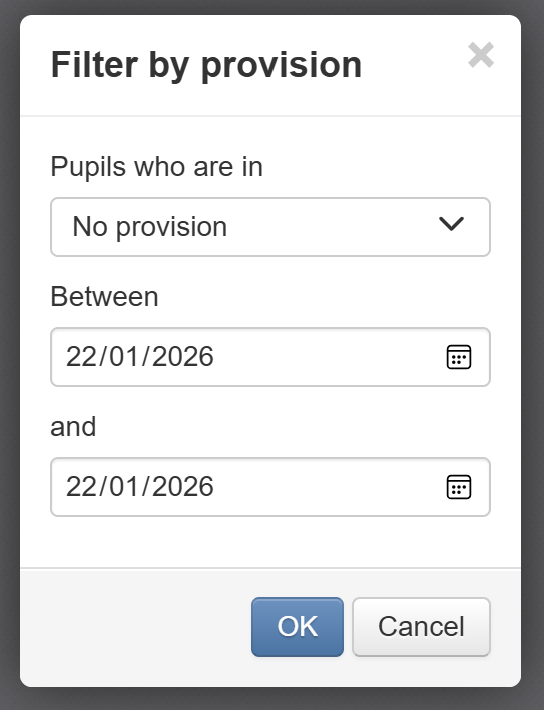
You will then be able to choose whether you'd like to filter to show pupils in receipt of no provision, any provision or one or more of the provision types used in your school.
You then need to specify the date range to filter over. By default, it will just be the current date.
Then click OK to apply the filter.

The filter bar will then describe your filter.
