Filters & Groups: Year Group
 Updated
It can be useful to specific which year group(s) you want to look at.
To do so, choose Year Group from the Filter Pupils menu.
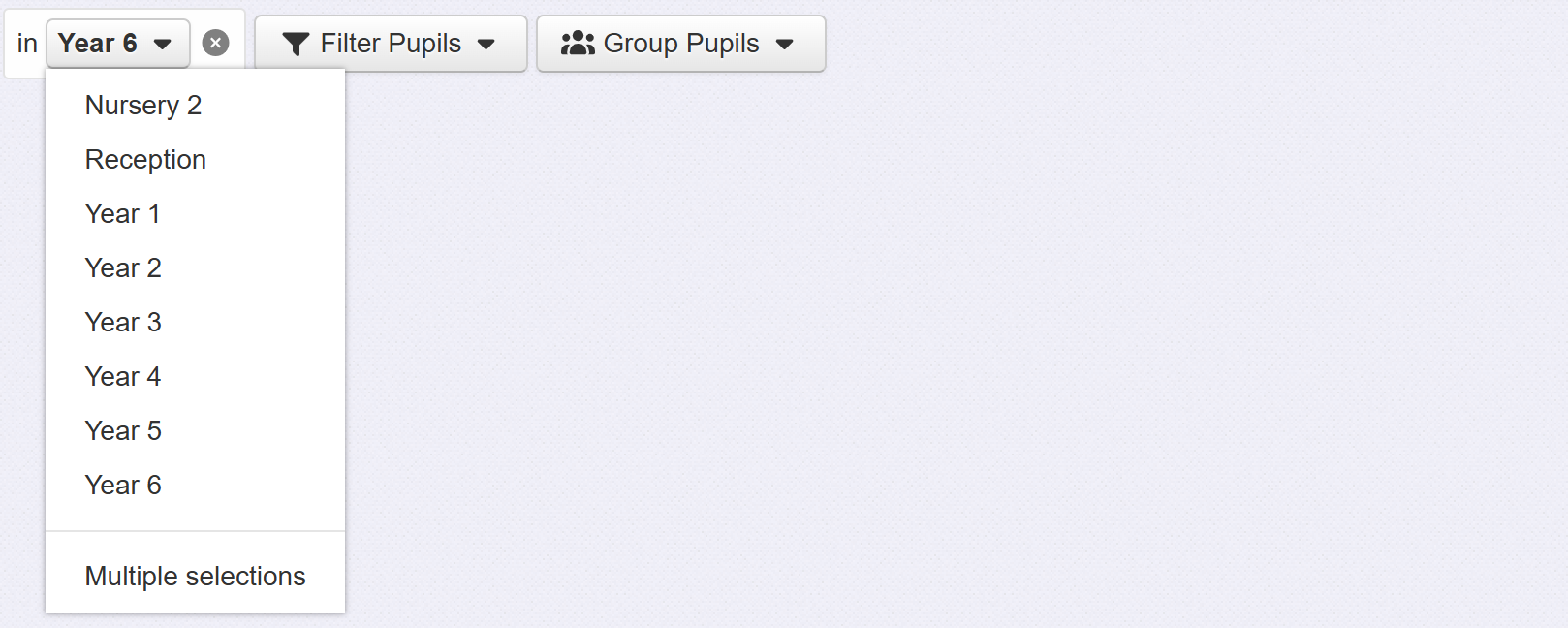
The year group filter will be applied. Click the Year menu to change the selection.
If you want to choose more than one year group to filter, click Multiple Selections and choose the desired year groups.
You can also split the display into separate year groups by clicking the Group Pupils menu and choosing Year Group.
