Single Sign-On (SSO)
 Updated
Single Sign-On (SSO) allows users to sign in to Insight using their Microsoft account. This means authentication is managed through Microsoft, allowing you to control security settings within your Microsoft environment and removing the need for users to maintain a separate Insight password.
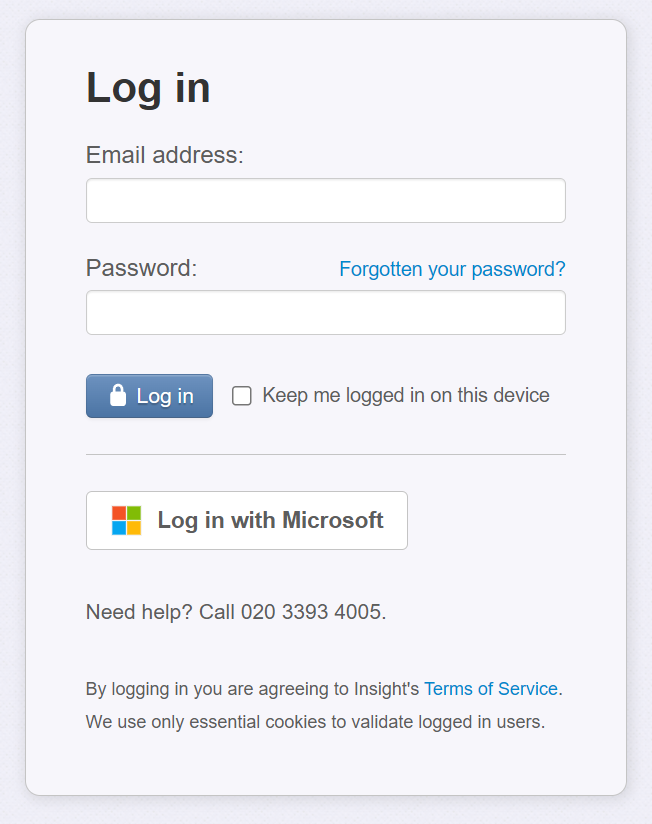
In addition to the standard Email Address and Password entry, a Log in with Microsoft button is available on the user log in page. If a user's Microsoft email address matches an existing Insight account, they can sign in using Microsoft without any additional configuration.
If a user tries to log in with a Microsoft account that doesn't match an Insight account they will see an error: "No Insight account is linked to this Microsoft account."
Require Single Sign-On for your school or trust
Once the feature is enabled for your school or trust, a new Single Sign-On Admin page will be available in the Users section.
To require all users to sign in using SSO, an administrator can enable this setting via Admin > Single Sign-On (SSO). The administrator enabling the setting will need to log in with SSO before switching it on.
When enabled at trust level, the setting is automatically applied to all schools within the trust and cannot be overridden by individual schools.
Caution is advised before enabling this setting as users will no longer be able to use their standard username/password to log in. Microsoft login, only, will be possible.
Important notes:
- You must already be logged in using your Microsoft 365 account before you can switch on require SSO.
- All users' Insight email addresses must match their Microsoft 365 email addresses.
- Users already logged in will be logged out and will need to log in again using Microsoft 365.
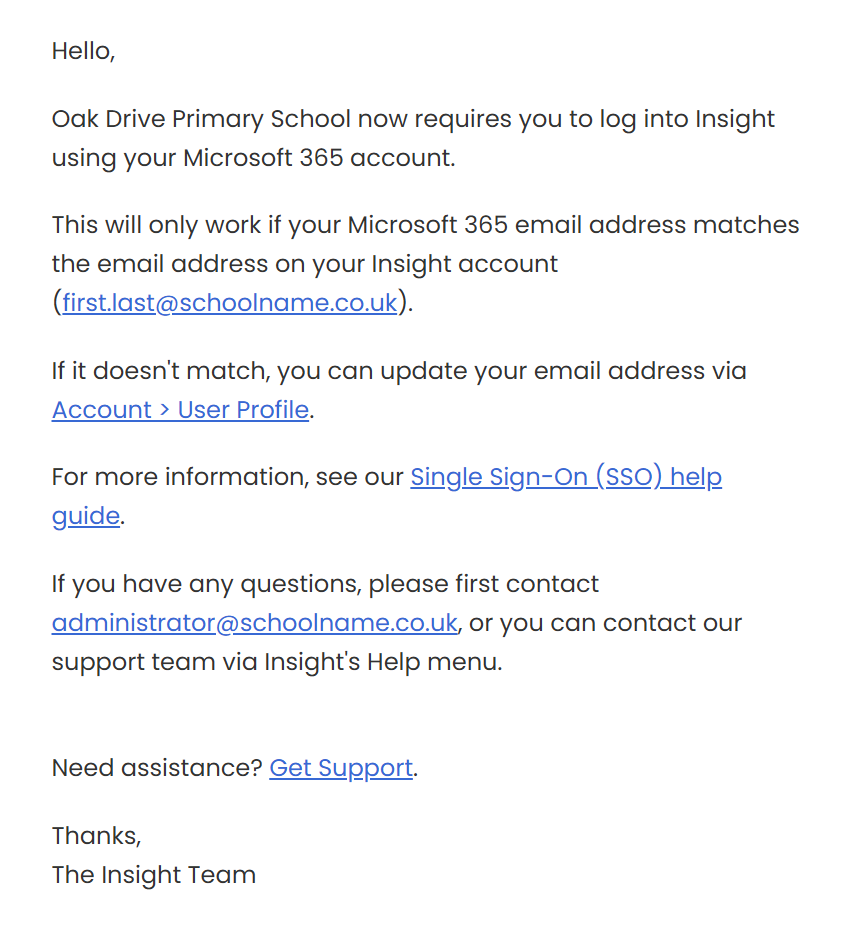
- Insight will email all users to explain that SSO is now required.
The email that all users are sent includes instructions to update their email address if required:
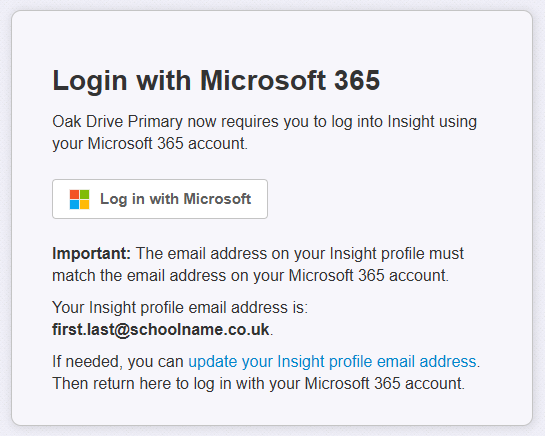
If a user logs in with their email address and password and then tries to access your trust or school account after require is on, they will be shown a screen informing them they will need to login using SSO to access the account.
Permissions
Insight uses Microsoft OpenID Connect to sign users in. The scopes it requests are:
- openid to authenticate the user
- profile for basic identity information
- email to match the Microsoft account to an existing Insight account.
Although these scopes do not inherently require administrator consent, your organisation’s Microsoft Entra consent policies may require an administrator to approve Insight. In this case you should contact the person responsible for your IT.
Account Provisioning
Insight does not currently support automatic user provisioning (for example, via Microsoft Entra ID). Users must first be added to the school or trust and assigned an appropriate role before they can sign in.
